Uncategorized

Professional IT Support for Mumbai Businesses
Uncategorized

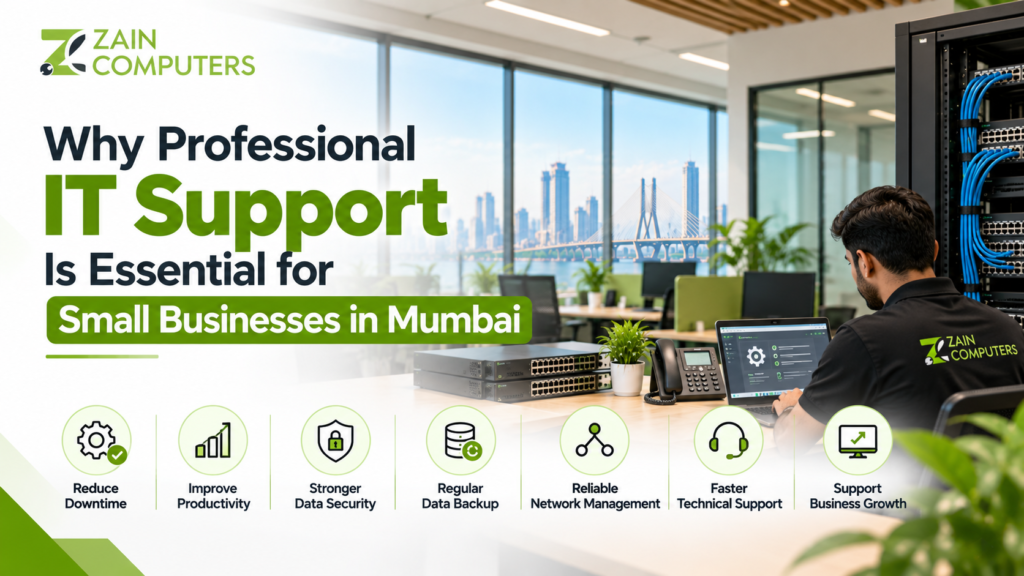
Why Professional IT Support Is Essential for Small Businesses in Mumbai

For small businesses, technology is no longer optional. Computers, internet connections, cloud applications, email, printers, CCTV systems, accounting software, and business data all play an important role in daily operations. When these systems stop working, even a small technical problem can affect productivity and customer service. This is why professional IT support for small businesses in Mumbai can be an important part of maintaining a reliable and secure technology environment. What Is Professional IT Support? Professional IT support involves technical assistance for the hardware, software, networks, security systems, and other technology used by a business. IT support can include: The exact services required depend on the size and technology requirements of the business. 1. Reduce Business Downtime Technical problems can interrupt normal business operations. Examples include: Professional IT support can help identify and resolve these problems more efficiently, reducing the disruption to employees and customers. 2. Improve Employee Productivity Employees depend on technology to complete everyday tasks. If employees regularly experience slow computers, unreliable Wi-Fi, software problems, or network issues, valuable working time can be lost. An IT support provider can help maintain: A stable IT environment allows employees to focus on their primary responsibilities. 3. Better Network Management A reliable network is essential for businesses using cloud applications, shared files, printers, CCTV systems, and online communication tools. Professional support can help with: For Mumbai businesses operating from offices, shops, warehouses, or multi-floor premises, proper network planning can make a significant difference. 4. Strengthen Business Data Security Small businesses also handle valuable information, including: Poorly protected systems can increase the risk of data loss or unauthorized access. Professional IT support can help businesses implement measures such as: 5. Regular Data Backup Hardware failure, accidental deletion, software problems, or security incidents can result in data loss. A proper backup strategy can help businesses recover important files when something goes wrong. Depending on business requirements, backups may involve: Businesses should regularly test their backups rather than assuming that a backup system is working correctly. 6. Save Time on Technical Problems When employees try to solve every technical problem themselves, they may spend considerable time searching for solutions. Professional IT support gives businesses access to technical expertise when problems occur. Instead of spending hours troubleshooting a network or computer issue, employees can report the problem to the appropriate technical team. 7. Support Business Growth Technology requirements usually increase as a business grows. A small business may start with a few computers and a basic internet connection. As it expands, it may require: A professional IT support provider can help plan these upgrades according to the company’s changing requirements. 8. Maintain CCTV and Security Systems Many businesses use technology beyond computers and networks. Security infrastructure may include: Professional technical support can help maintain these systems and troubleshoot issues such as camera connectivity, recording problems, or network configuration. 9. Get Faster Technical Troubleshooting Some technical problems require specialized knowledge. For example, a business may experience: Internet is working, but employees cannot access a shared server. Or: CCTV cameras are working individually, but remote viewing is unavailable. Or: Employees can connect to Wi-Fi but cannot access internal applications. A professional IT team can systematically identify whether the issue is related to hardware, software, networking, configuration, or security. 10. Predictable IT Maintenance Instead of waiting for something to break, businesses can use preventive IT maintenance. Regular maintenance may include: Preventive maintenance can help identify potential problems before they become major disruptions. 11. Cost-Effective for Small Businesses Hiring a full-time IT employee may not be practical for every small business. Depending on the company’s requirements, outsourcing specific IT services can provide access to technical expertise without maintaining a large internal IT department. Businesses can choose support based on their requirements, such as: The appropriate model depends on the business’s size, technology environment, and support needs. 12. Why Mumbai Businesses Need Reliable IT Support Mumbai has a diverse business environment, including: Each business can have different technology requirements. A local IT support provider can understand the practical requirements of businesses operating in Mumbai and provide onsite or remote assistance depending on the situation. How to Choose an IT Support Company in Mumbai Before selecting an IT support provider, consider: Ask for a clear explanation of the services included in the support plan and any additional charges for onsite assistance or hardware. IT Support Services from Zain Computers Zain Computers provides IT and technology solutions in Mumbai, including computer and laptop solutions, networking, CCTV surveillance, biometric access control, IT infrastructure, and maintenance services. For a small business, combining reliable IT support with proper networking, security, backup, and maintenance can create a more dependable technology environment. Whether you are setting up a new office or maintaining an existing business network, professional support can help you manage your technology more efficiently. Frequently Asked Questions Why does a small business need IT support? IT support helps businesses manage computers, networks, software, security systems, backups, and technical problems while reducing the time employees spend dealing with technology issues. Can small businesses outsource IT support? Yes. Businesses can outsource some or all of their IT requirements depending on their budget and technical needs. What is an IT AMC? An IT Annual Maintenance Contract (AMC) is a service agreement that provides ongoing maintenance and technical support for specified IT equipment or systems. Does IT support include CCTV? Some IT support providers also manage CCTV and related security infrastructure. The exact services depend on the provider and support agreement. How often should business IT systems be maintained? The frequency depends on the business environment and systems involved. Regular monitoring, updates, backups, and preventive checks are generally preferable to waiting for failures. Conclusion Technology plays a central role in modern small businesses. Reliable IT support in Mumbai can help businesses maintain their computers, networks, security systems, backups, and other technology infrastructure. Instead of treating IT as something to address only when a problem occurs, businesses can use professional support and preventive maintenance to create a more reliable
.Complete Office Networking Solutions in Mumbai
Uncategorized

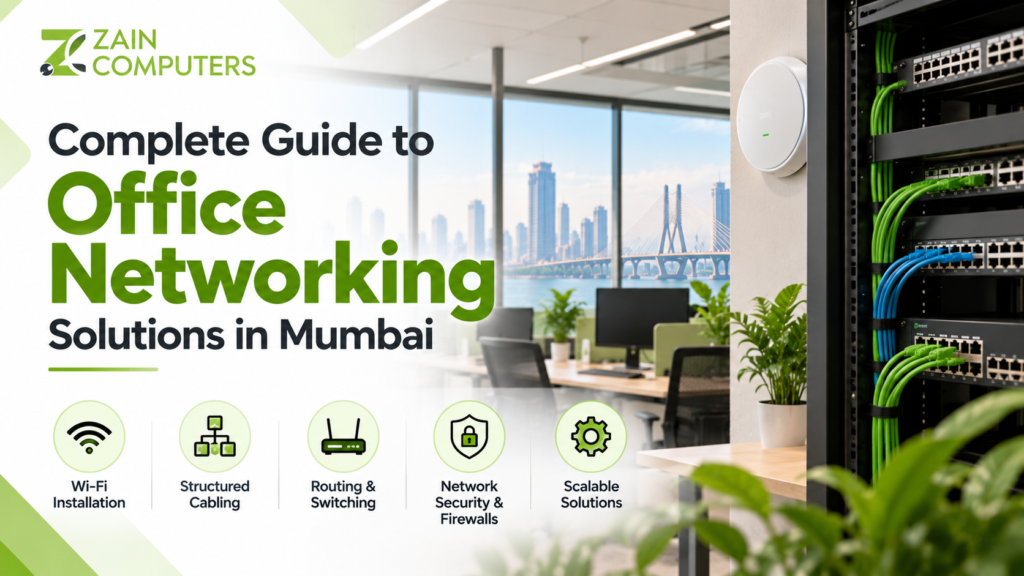
Complete Guide to Office Networking Solutions in Mumbai

A reliable office network is the foundation of modern business operations. From employee computers and printers to cloud applications, video conferencing, CCTV cameras, and business software, almost every workplace depends on a stable and secure network. For businesses in Mumbai, choosing the right office networking solution requires more than simply installing Wi-Fi. A well-planned network should provide reliable connectivity, security, scalability, and easy maintenance. In this guide, we explain the key components of office networking solutions in Mumbai and what businesses should consider before setting up or upgrading their network. What Are Office Networking Solutions? Office networking solutions include the hardware, software, cabling, wireless connectivity, and security systems that allow devices within a workplace to communicate and access the internet. A typical office network may include: Zain Computers’ current Office Setup services include Wi-Fi installation, structured cabling, routing and switching, security appliances and firewalls, making these suitable topics to highlight on the blog. Zain Computers 1. Start With a Network Assessment Before installing networking equipment, businesses should understand their existing infrastructure and requirements. Consider: A site assessment can help identify dead zones, cabling requirements, equipment locations, and potential network bottlenecks. 2. Choose the Right Network Design A good office network should be designed around the business rather than simply adding devices wherever required. For example, a small office may need: A larger office may require multiple switches, managed Wi-Fi, VLANs, firewall configuration, network racks, and additional security controls. 3. Structured Cabling Is Important Structured cabling provides the physical foundation of an office network. Common options include Cat5e, Cat6 and Cat6A Ethernet cabling, depending on the requirements of the network. Professional structured cabling can help provide: Cabling should be properly routed, labeled, terminated, and tested. 4. Wi-Fi Installation and Coverage Employees increasingly depend on wireless connectivity for laptops, smartphones, tablets, video meetings, cloud applications, and other business tools. Poor Wi-Fi can result in: A professional Wi-Fi setup should consider office size, walls, user density, access-point placement, and expected network usage. 5. Routers and Network Switches Routers and switches perform different roles within an office network. Router A router connects the internal office network to other networks, typically the internet, and can provide functions such as routing and network address management. Network Switch A switch connects multiple devices within the local network, such as: For larger offices, managed switches can provide additional control over network traffic and segmentation. 6. Network Security and Firewalls A fast network is not enough. Businesses also need to protect their network from unauthorized access and security threats. A firewall can help businesses manage and control network traffic according to defined security policies. Businesses should consider: Zain Computers specifically lists security appliances and firewalls among its office setup services. Zain Computers 7. Separate Guest and Employee Networks Businesses that provide Wi-Fi to visitors should consider separating guest traffic from internal company systems. For example: Employee Network:Used for business computers, printers, servers, and internal applications. Guest Network:Used by visitors and customers. This separation can provide better control over access to internal resources. 8. Network for CCTV and Other Devices Modern offices often have many connected devices beyond computers. These can include: Network planning should account for these devices from the beginning. For example, CCTV cameras can generate significant network traffic, particularly when using high-resolution IP cameras. 9. Network Racks and Cable Management For professional office installations, networking equipment should be organized properly. A network rack can accommodate: Proper labeling and cable management make future maintenance and troubleshooting easier. 10. Network Scalability Your network should be able to grow with your business. If your company currently has 20 employees but expects to expand to 50 or 100 employees, the network infrastructure should be planned accordingly. Consider: Planning for growth can reduce the need for expensive infrastructure changes later. 11. Network Monitoring and Maintenance Installing a network is only the beginning. Regular monitoring and maintenance can help identify issues before they become major problems. Regular maintenance may include: For businesses that depend heavily on their network, an IT maintenance or AMC service can provide ongoing technical support. 12. Why Professional Office Networking Is Important in Mumbai Mumbai businesses operate in a wide range of environments, from small offices and retail stores to multi-floor corporate workplaces. Office networking requirements can vary significantly depending on: A professional networking provider can assess these requirements and recommend suitable infrastructure instead of using a one-size-fits-all setup. Common Office Networking Problems Businesses may experience problems such as: Slow Internet Could be caused by insufficient bandwidth, network congestion, or outdated equipment. Wi-Fi Dead Zones Often caused by poor access-point placement or physical obstacles. Frequent Disconnections May result from equipment, configuration, interference, or cabling issues. Network Security Problems Weak passwords, outdated equipment, or poorly configured firewalls can increase security risks. Cable Management Issues Unorganized cabling can make troubleshooting and future expansion more difficult. How to Choose an Office Networking Company in Mumbai Before hiring a networking provider, consider: Ask the provider to clearly explain what equipment, cabling, configuration, installation, testing, and support are included. Office Networking Solutions in Mumbai by Zain Computers Zain Computers provides office setup and IT networking solutions in Mumbai, including Wi-Fi installation, structured cabling, routing and switching, and security appliances and firewalls. Its listed office is in Kurla West, Mumbai. Zain Computers For businesses planning a new office setup or upgrading an existing network, a properly designed infrastructure can provide reliable connectivity and make future expansion easier. Frequently Asked Questions What is included in office networking? Office networking can include structured cabling, routers, switches, Wi-Fi access points, firewalls, network racks, configuration, testing, and ongoing maintenance. How do I improve Wi-Fi coverage in my office? Start by identifying Wi-Fi dead zones and user-density requirements. Additional or better-positioned access points may improve coverage and performance. Do small businesses need professional networking? Yes. Even small offices depend on reliable internet, computers, printers, cloud applications, and security systems. A properly planned network can make the infrastructure easier to manage and expand. What is structured cabling? Structured cabling is

Biometric Access Control in Mumbai
Uncategorized

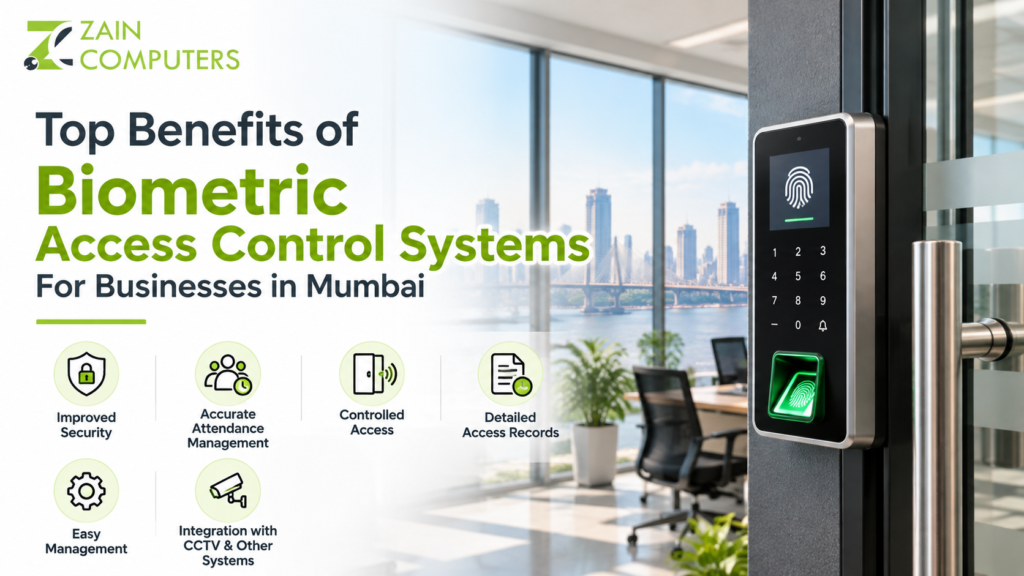
Top Benefits of Biometric Access Control Systems for Businesses in Mumbai

Business security is no longer limited to locks, keys, and traditional attendance registers. With growing security and workforce management requirements, businesses are increasingly adopting biometric access control systems to manage who can enter their premises and when. From offices and retail stores to warehouses and commercial buildings, biometric systems can provide a more controlled and convenient way to manage employee access. In this article, we explore the top benefits of biometric access control systems for businesses in Mumbai and explain why they can be a valuable part of a modern security system. What Is a Biometric Access Control System? A biometric access control system uses unique physical characteristics to verify a person’s identity before allowing access to a restricted area. Common biometric technologies include: Many business environments also combine biometric access with RFID cards, PINs, or other authentication methods. Unlike traditional keys or access cards, biometric identification is linked directly to the authorized individual. 1. Improved Workplace Security One of the biggest advantages of biometric access control is improved control over who can enter your premises. Businesses can restrict access to areas such as: Only authorized employees can gain access to protected areas. This can help businesses reduce the risk of unauthorized entry. 2. No Need to Carry Keys or Access Cards Employees can forget, lose, or damage physical access cards and keys. Biometric systems use an individual’s registered biometric information, such as a fingerprint or facial recognition, instead of relying solely on physical credentials. This can make everyday access more convenient for employees while reducing the administrative work associated with replacing lost cards. 3. Better Employee Attendance Management Many biometric systems can also be integrated with attendance management software. Businesses can record: This can help HR teams maintain more accurate attendance records and reduce manual data entry. 4. Helps Prevent Buddy Punching Traditional attendance systems can make it easier for one employee to record attendance on behalf of another employee. Biometric verification links the attendance record to the individual being authenticated. As a result, businesses can reduce the possibility of buddy punching and improve attendance accuracy. 5. Access Control Based on Employee Roles Not every employee needs access to every area of a business. Biometric access control systems can be configured to provide different access permissions based on employee roles. For example: Employees:Access to general office areas. Managers:Access to additional management areas. IT Staff:Access to server or technical rooms. Warehouse Staff:Access to designated storage areas. This provides businesses with greater control over sensitive locations. 6. Detailed Access Records A biometric access control system can maintain records of access activity. Depending on the system and software used, administrators may be able to review: These records can be useful for security monitoring and internal investigations. 7. Improved Protection for Sensitive Areas Some business areas contain confidential information, valuable equipment, or sensitive materials. Examples include: Biometric access can provide an additional layer of protection for these locations. 8. Suitable for Different Types of Businesses Biometric access control systems can be used across many industries in Mumbai. Offices Control employee access and manage attendance. Retail Stores Restrict access to stockrooms and administrative areas. Warehouses Control access to inventory and restricted storage zones. Hotels Manage employee access to staff-only areas. Educational Institutions Control access to administrative and restricted areas. Healthcare Facilities Restrict access to sensitive departments and staff areas. Manufacturing Facilities Manage employee access to production and restricted zones. 9. Easy Employee Management When an employee joins the organization, their biometric credentials can be registered in the system. When an employee leaves, their access permissions can be removed. This makes employee access management more structured and easier for HR and administrative teams. 10. Can Integrate With Other Security Systems Biometric access control doesn’t have to work as a standalone system. Depending on the solution, it can be integrated with: For example, integrating CCTV and biometric access control can provide businesses with both identity verification and video surveillance. 11. Better Security for Mumbai Businesses Mumbai businesses operate across a wide range of environments, including offices, retail outlets, warehouses, commercial buildings, and industrial locations. With employees, visitors, vendors, and contractors accessing business premises, controlling physical access can become increasingly important. A properly planned biometric access control system can help businesses manage authorized access while maintaining convenient entry for employees. Fingerprint vs Facial Recognition Businesses can choose from different biometric technologies depending on their requirements. Fingerprint Access Fingerprint systems are widely used for: Facial Recognition Facial recognition can provide touchless authentication and may be suitable for businesses looking for a more advanced access experience. The right technology depends on factors such as the environment, number of users, security requirements, budget, and integration needs. How to Choose the Right Biometric System Before purchasing a biometric access control system, consider: A professional assessment can help determine which system is appropriate for your business. Professional Biometric Access Control in Mumbai Choosing the right hardware is only one part of implementing an effective access control system. Proper installation, configuration, user registration, access permissions, and maintenance are equally important. Zain Computers provides biometric and access control solutions for businesses in Mumbai, helping organizations implement technology solutions according to their security and workplace management requirements. Whether you operate an office, shop, warehouse, or commercial facility, a properly configured biometric system can help improve access management and strengthen your overall security infrastructure. Frequently Asked Questions What is biometric access control? Biometric access control verifies a person’s identity using characteristics such as fingerprints or facial recognition before allowing access to a protected area. Is biometric access control suitable for small businesses? Yes. Biometric systems can be used by small businesses as well as larger organizations. The appropriate system depends on the number of employees and access points. Can biometric systems track employee attendance? Yes. Many biometric systems include attendance management features that record employee check-in and check-out activity. Can biometric access control be connected with CCTV? Yes. Depending on the hardware and software, biometric access control can be integrated with CCTV and other security

CCTV Camera Guide for Mumbai
Uncategorized

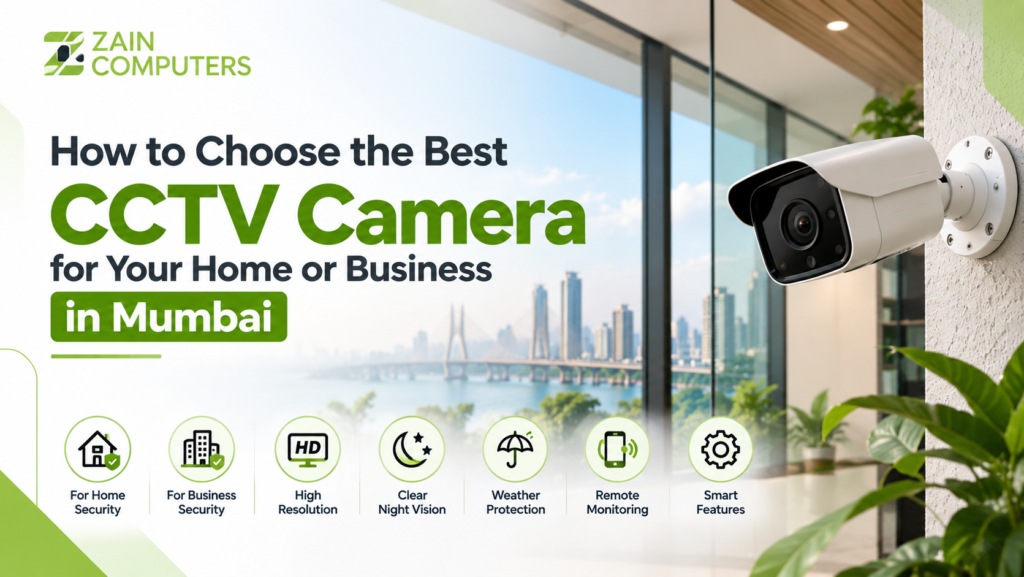
How to Choose the Best CCTV Camera for Your Home or Business in Mumbai

Security has become an important priority for homeowners, offices, shops, warehouses, and commercial properties in Mumbai. A reliable CCTV camera system can help monitor your property, deter unwanted activity, and provide useful video evidence when required. However, with so many CCTV cameras available, choosing the right system can be confusing. The best CCTV camera depends on your property size, location, lighting conditions, coverage requirements, storage needs, and budget. In this guide, we explain the key factors to consider before choosing a CCTV camera for your home or business in Mumbai. 1. Understand Your Security Requirements Before purchasing a CCTV system, identify the areas that need monitoring. For a home, you may want cameras covering: For a business, you may need coverage for: A professional assessment can help determine the number and placement of cameras required. 2. Choose the Right Type of CCTV Camera Different cameras are designed for different environments. Dome Cameras Dome cameras have a compact design and are commonly used indoors. They are suitable for offices, shops, hotels, and homes. Bullet Cameras Bullet cameras are generally suitable for outdoor areas because they can provide focused coverage over longer distances. IP Cameras IP CCTV cameras connect through a network and can provide high-resolution video, remote monitoring, and advanced features. PTZ Cameras PTZ stands for Pan-Tilt-Zoom. These cameras can move horizontally and vertically and zoom into specific areas. They are useful for larger properties and commercial locations. 3. Consider Camera Resolution Resolution determines how much detail a camera can capture. Common CCTV resolutions include: For a small home or office, Full HD may be sufficient for many applications. For areas where identifying faces, vehicles, or other details is important, a higher-resolution camera may be more appropriate. Don’t choose a camera based on megapixels alone. Lens quality, lighting, sensor performance, and installation also affect image quality. 4. Check Night Vision Capability Mumbai properties may require monitoring during both daytime and nighttime. When choosing a CCTV camera, check: For outdoor installations, make sure the camera provides adequate night coverage for the required distance. 5. Look for Weather Protection Outdoor cameras are exposed to rain, humidity, dust, and temperature changes. For outdoor CCTV installation, consider cameras with appropriate IP ratings, such as IP65 or IP66, depending on the installation environment. Indoor cameras generally don’t require the same level of weather protection. 6. Decide Between Wired and Wireless CCTV Wired CCTV Wired systems generally provide a stable connection and are commonly used for permanent installations. They are suitable for: Wireless CCTV Wireless cameras can be easier to install where running cables is difficult. They may be suitable for: However, wireless cameras still require reliable power and a stable network connection. 7. Consider Storage Requirements CCTV footage needs to be stored somewhere. Common options include: DVR/NVR Storage:Useful for continuous recording and larger CCTV systems. Cloud Storage:Allows footage to be stored remotely and accessed through supported applications. SD Card Storage:Suitable for certain individual cameras and smaller monitoring requirements. Storage capacity depends on the number of cameras, resolution, recording mode, and how many days of footage you want to retain. 8. Choose Remote Monitoring if You Need Access from Anywhere Modern CCTV systems can allow users to monitor their property remotely through a smartphone or computer. Remote monitoring can be useful for: Depending on the system, users may be able to view live footage, receive alerts, and review recorded video remotely. 9. Consider Smart CCTV Features Modern CCTV cameras may offer features such as: You don’t necessarily need every feature. Choose the features that solve your actual security requirements. 10. Professional CCTV Installation Matters Buying a good camera is only part of the process. Proper CCTV installation is equally important. Incorrect camera positioning can create blind spots or poor viewing angles. A professional installer can help with: For businesses, professional installation can also help ensure that important areas are covered without unnecessary cameras. CCTV Installation in Mumbai Mumbai has a wide range of residential and commercial properties, from apartments and retail stores to offices, warehouses, restaurants, and industrial locations. Each property has different surveillance requirements. Zain Computers provides CCTV surveillance and security solutions in Mumbai, helping businesses and homeowners choose and implement suitable CCTV systems based on their security requirements. If you are planning CCTV installation for your home, office, shop, or commercial property, start by evaluating the areas that need monitoring, required image quality, night visibility, storage, remote access, and installation requirements. Frequently Asked Questions What is the best CCTV camera for a home? The best camera depends on the areas you need to monitor. Indoor dome cameras and outdoor bullet or IP cameras are commonly used for residential security. Is 4K CCTV better than Full HD? 4K provides more detail than Full HD, but it also requires more storage and bandwidth. The right resolution depends on your monitoring requirements. Can I view CCTV footage on my phone? Yes. Many modern CCTV and IP camera systems support remote viewing through mobile applications when properly configured. How many CCTV cameras does a business need? It depends on the size and layout of the property, entrances, sensitive areas, parking, warehouse space, and required coverage. Should I choose wired or wireless CCTV? Wired CCTV is often preferred for permanent business installations because of its stable connection, while wireless cameras can be useful where cabling is difficult. Conclusion Choosing the right CCTV camera is not simply about buying the highest-resolution or most expensive camera. You should consider coverage, resolution, night vision, weather protection, storage, connectivity, smart features, and professional installation. For homes and businesses in Mumbai, a properly planned CCTV system can provide better visibility and help improve overall security. Need help choosing the right CCTV system in Mumbai? Contact Zain Computers for CCTV surveillance and security solutions tailored to your property.

Scroll to Top